



Features & Design
Connect like you’re there


Effortless collaboration
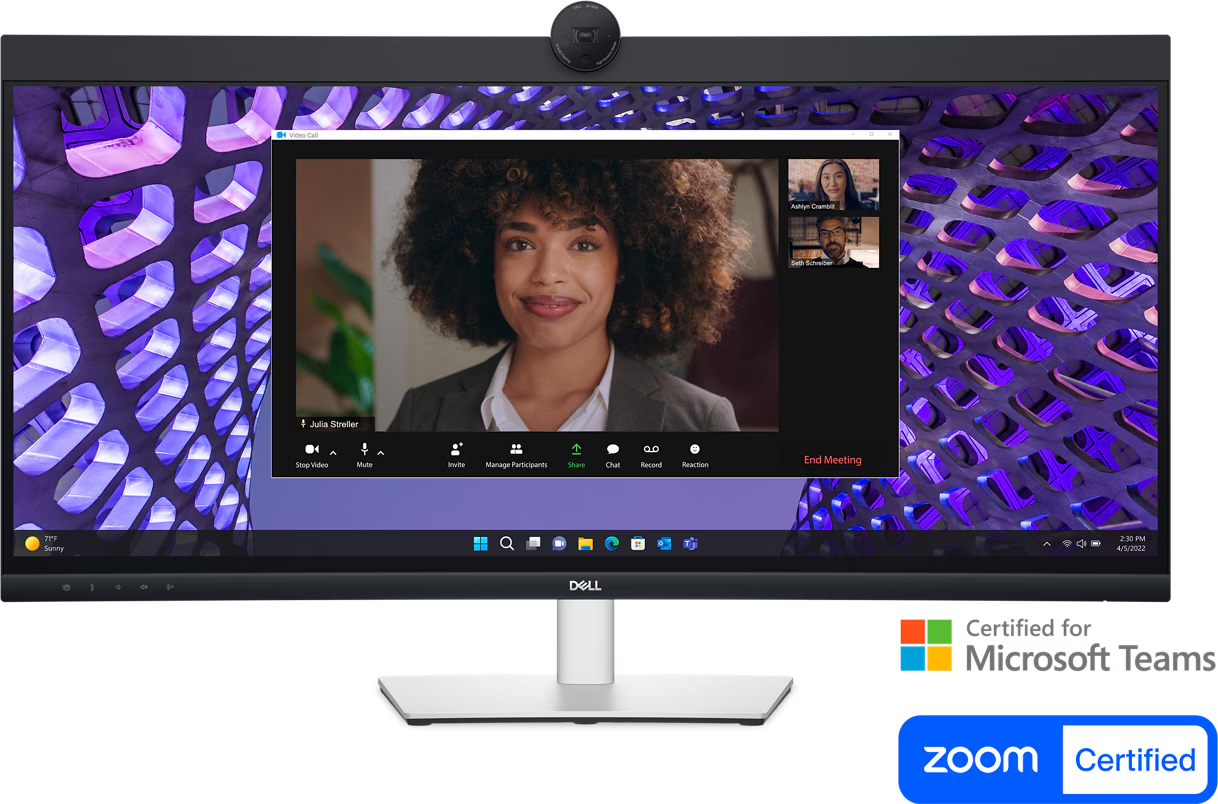
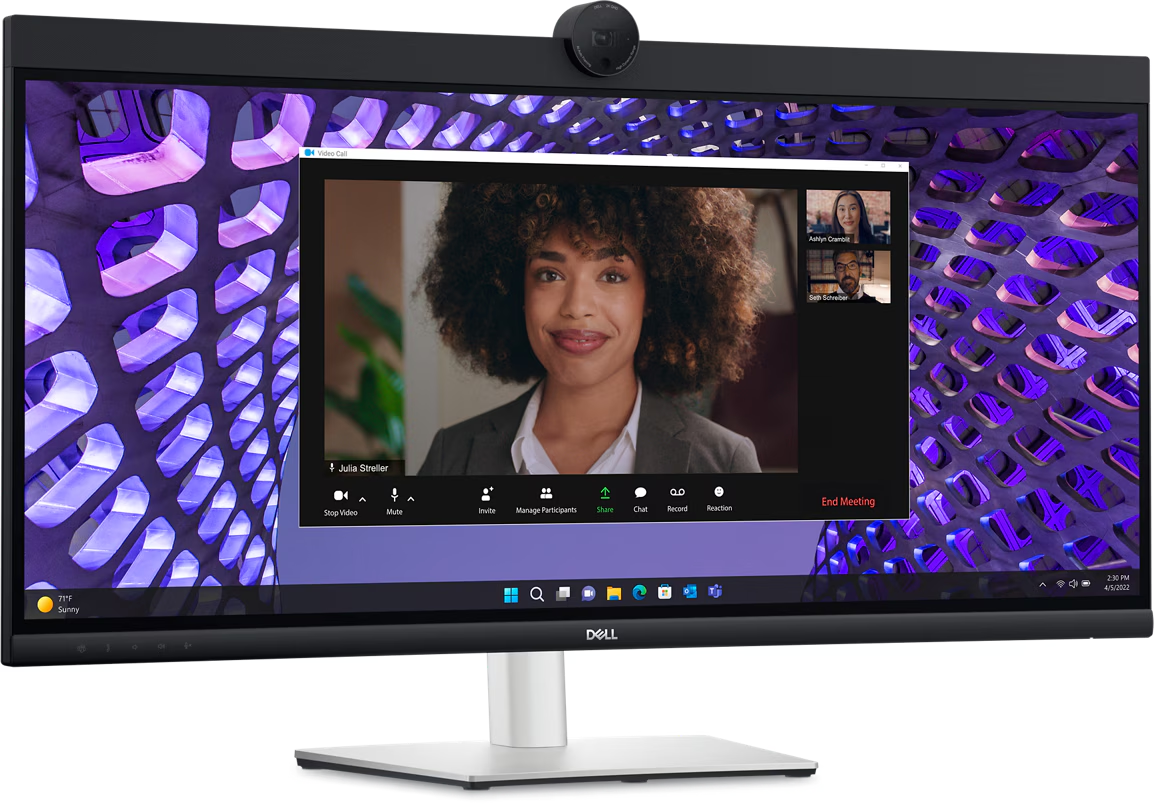
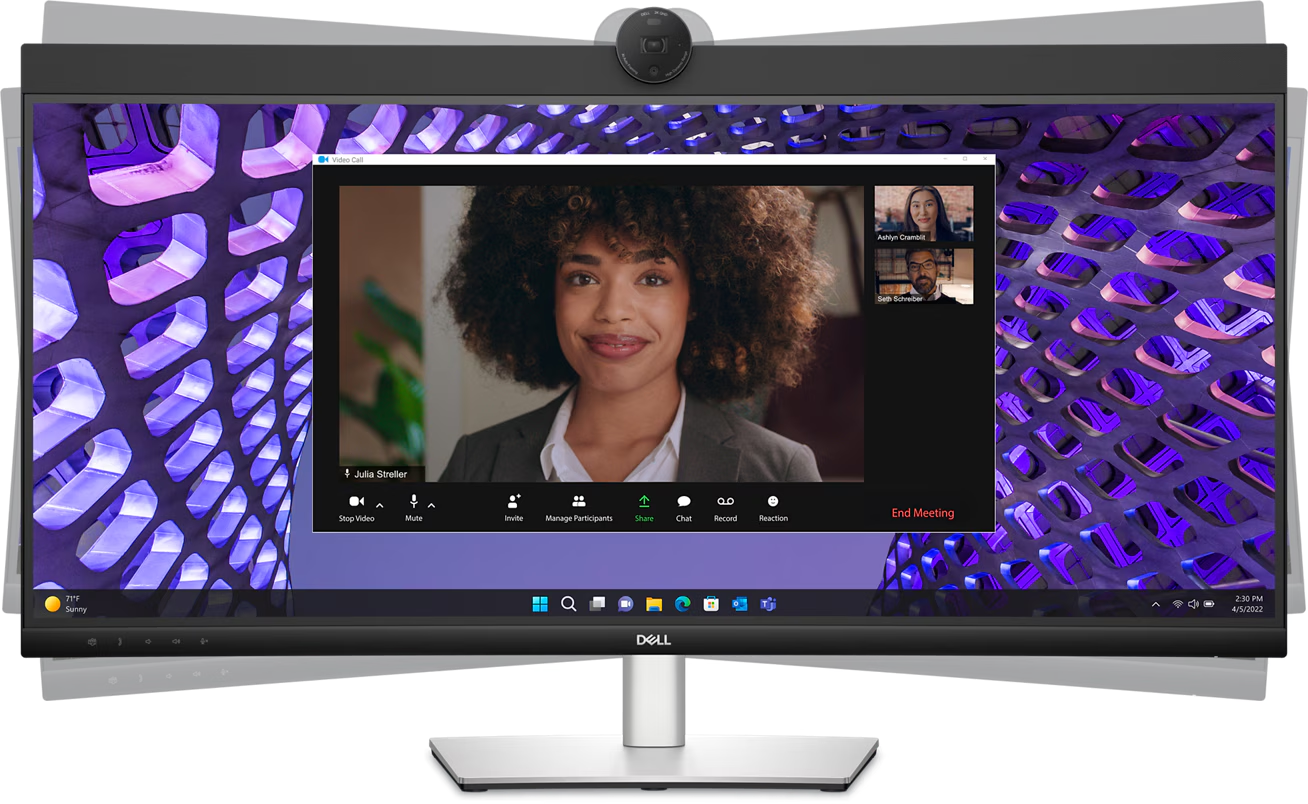
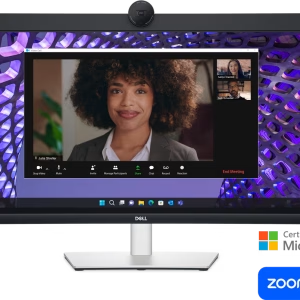
Powerful webcam: Take center stage with a 2K QHD webcam that packs a punch. The large Sony STARVIS™ sensor is 29.5% larger than the previous model, takes in substantial light to give you vibrant picture clarity and a vivid image.
Look great in low light: Temporal (3D) and Spatial (2D) Noise Reduction automatically eliminates motion blur and grainy images in low light, while AI Auto Framing keeps you in the middle of the frame even as you move around.
Loud and clear: Collaborate like you’re there with built-in, dual echo cancellation mics and dual 5W speakers, strategically positioned at the top of the monitor for an immersive audio experience.
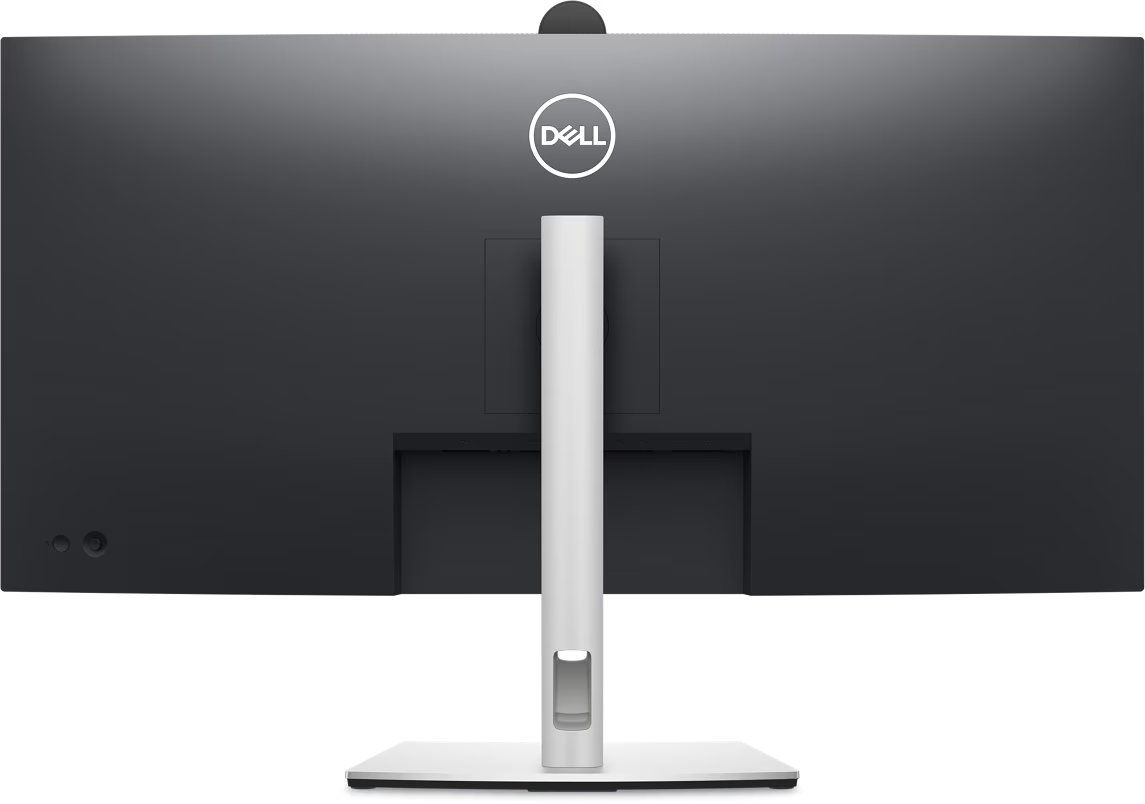
Interaction secured: The manual webcam shutter and convenient microphone mute button on this Zoom-certified monitor helps ensure that you’re only communicating what you want to share, when you want to share it.
Easier connections: Launch Teams meetings effortlessly with the quick access touch control on this certified for Microsoft Teams monitor.
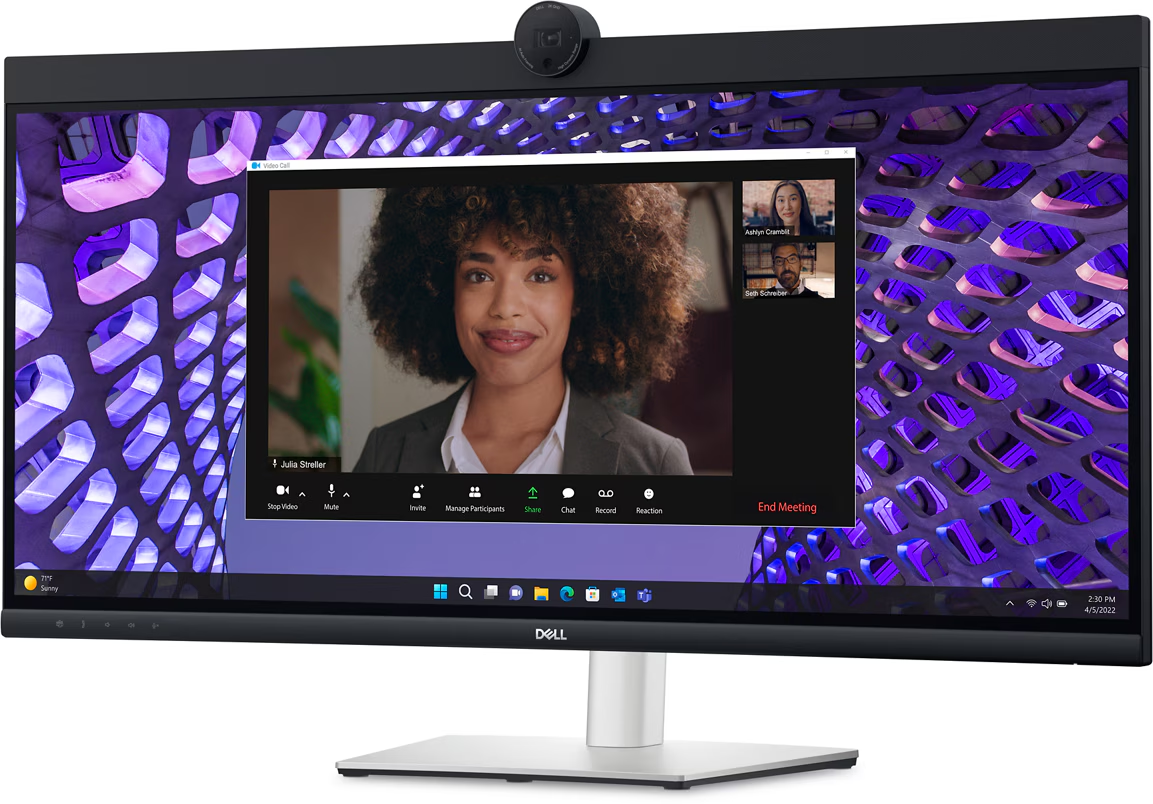
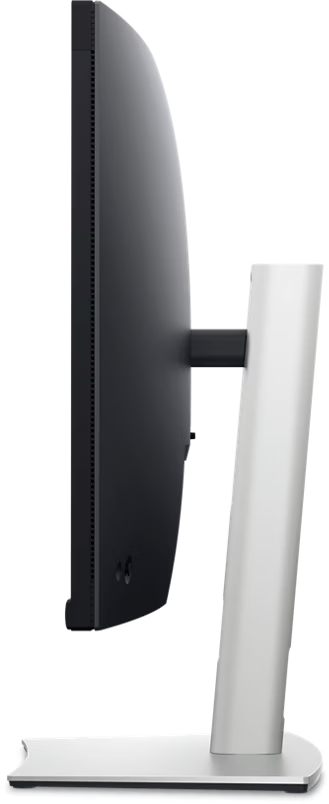
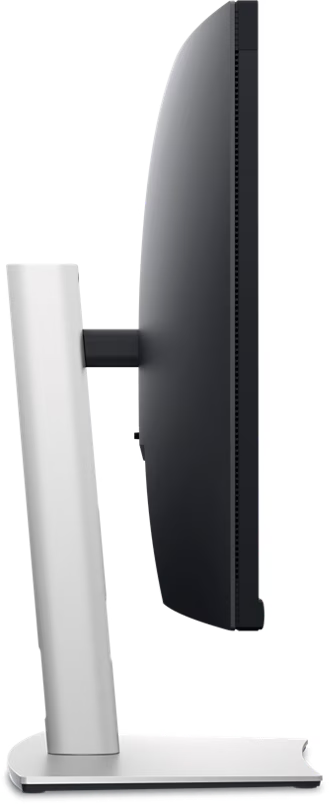
Collaborate on a curve: Increased screen curvature improves your field of view, reduces reflections and creates near-uniform visual focus. This reduces your eye movement across the screen, so you can work comfortably for a longer period.

Seamless access
Get to work fast with Dell Express Sign-in, featuring a proximity sensor that detects your presence when you are close and uses Windows Hello™ to automatically log you in. When you walk away, it locks your system for increased security.

Easy on the eyes
Comfort is key
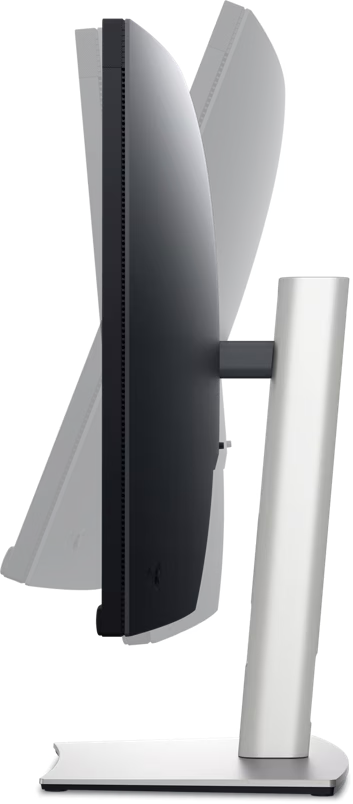
Tilt, swivel and adjust the height of your monitor up to a maximum of 150mm.

Your productivity hub
Connect to productivity: With wired connectivity options like RJ45 and USB-C®, your monitor delivers reliable Ethernet, power, audio and video—all in a clutter-free setup.
The power of USB-C: Get up to 90W of power delivery via USB-C, and charge your laptop (even when the monitor is off) with the Always On Power Delivery feature. This single-cable solution also reduces cable clutter and transmits power, data and audio—all at once.
Quick convenience: Plug in whatever you need and keep it in reach with the two, super speed USB 5Gbps (USB 3.2 Gen1) quick-access ports. There’s even space to charge your mobile phone (up to 15W power charging) with the USB-C quick-access port.
Enhanced manageability: Managing your monitor is easy with MAC Address pass-through, PXE Boot, and Wake-on-LAN conveniently built in.
Multitask efficiently: Connect two PC sources to the monitor—our intelligent Auto KVM feature detects the second connected PC and seamlessly switches controls over. KVM (keyboard, video and mouse) allows you to control both PCs with a single keyboard and mouse.
Make smooth connections: View content from both PC sources with Picture-by-Picture (PbP) and Picture-in-Picture (PiP).
Dell Display and Peripheral Manager
Experience Dell’s singular, innovative application to optimize the performance of your entire Dell PC workspace.

Maximize productivity
Easy Arrange tiles apps across screens with pre-set partitions and customizes up to five windows, enhancing multitasking. Easy Arrange Memory saves and restores app profiles manually, on schedule, or at start-up.Customize your views
Work comfortably, day or night. Automate your brightness and contrast settings to match your schedule.
More manageable
Save time and boost IT efficiency with the Dell Device Management Console to manage your Dell peripheral fleet at scale, from a single cloud-based console. Discover expanded Command Line Interface features from Dell Display and Peripheral Manager.
Disclaimer: Screen image simulated for illustrative purposes only. Monitor model may vary.

Green thinking. For today and tomorrow.
Environmental standards: Dell monitor uses 85% PCR (Post-consumer Recyclable) plastic in the design, 90% recycled aluminum, and meets the latest environmental standards such as EnergyStar®, and TCO Certified Edge, and is EPEAT® Gold registered.
Eco-conscious packaging: Dell monitors ship in boxes made with 100% renewable content that is also 100% recyclable.
Energy conservation: Save energy when your monitor’s not in use with PowerNap, a feature that dims or puts your monitor to sleep when it’s not in use.
SPECIFICATIONS
Technical Information
• Display Type: LED-backlit LCD monitor / TFT active matrix
• Diagonal Size: 34″
• Viewable Size: 34.14″
• Built-in Devices: USB 3.2 Gen 1 hub, KVM ports
• USB Power Delivery: 90 Watt
• Panel Type: IPS
• Aspect Ratio: 21:09
• Native Resolution: WQHD 3440 x 1440 at 60 Hz
• Pixel Pitch: 0.2325 mm x 0.2325 mm
• Pixel Per Inch: 109.68
• Brightness: 300 cd/m2
• Contrast Ratio: 1000:1 / 1000:1 (dynamic)
• Color Support: 1.07 billion colors
• Color Gamut: 99% sRGB
• Response Time: 5 ms (gray-to-gray fast), 8 ms (gray-to-gray normal)
• Horizontal Viewing Angle: 178°
• Vertical Viewing Angle: 178°
• Screen Coating: Anti-glare treatment of front polarizer (3H) hard-coating
• Backlight Technology: LED
• Features
– Dell Easy Arrange
– Low Blue Light technology
– 3-sided bezeless
– Dell ComfortView Plus
– flicker-free panel
• Curved Screen: Yes
• Curvature: 3800R
Interfaces
• Interfaces
– 1x HDMI (HDCP 2.2)
– 1x DP 1.2 (HDCP 2.2)
– 1x RJ45 Ethernet port, 1GbE
– 1x 3.5mm combo headphone with microphone jack
– 1x USB 3.2 Gen1 Type-C (Alt mode with DP 1.2 upstream, up to 90W power delivery)
– 1x USB 3.2 Gen1 Type-B upstream
– 2x USB 3.2 Gen1 Type-A downstream
– 1x USB 3.2 Gen1 Type-C downstream with up to 15W power delivery
– 1x USB 3.2 Gen1 Type-A downstream with BC1.2 (2A max)
Display Position Adjustments
• Display Position Adjustments: Height, swivel, tilt
• Tilt Angle: -5°/+21°
• Swivel Angle: -30°/+30°
• Height Adjustment: 15.00 cm
• VESA Mounting Interface: 100 x 100 mm
• Features
– Security lock slot (cable lock sold separately)
– VESA interface support
– 1x 4MP RGB + IR 2K camera at 30 fps (FHD at 60 fps)
– 2x digital microphone
– 2x 5W built-in speaker
Included Accessories
• Included Accessories: Monitor panel, Stand riser, Stand base, Quick setup guide, Safety, Environmental, and Regulatory Information
Cables Included
• Cables Included
– 1x Power cable
– 1x DP-to-DP cable (1.8m)
– 1x USB 3.2 Gen1 Type C-to-C cable (1.8m)
– 1x USB 3.2 Gen1 Type A-to-B upstream cable (1.8m)
Compliant Standards
• Compliant Standards: RoHS, TCO Certified 9.0, TCO Certified Edge
Security Slot Type
• Security Slot Type: Kensington security slot
Input Voltage
• Input Voltage: AC 100-240 V (50/60 Hz)
Power
• Power Consumption (On mode): 31.5 W
• Power Consumption (Max): 210 Watt
• Power Consumption Stand by: 0.3 Watt
• Power Consumption (Off Mode): 0.3 Watt
• On / Off Switch: Yes
Included Software
• Included Software: Dell Display Manager, Dell Power Button Sync (DPBS)
Sustainability Information
• EPEAT Compliant: EPEAT Gold
• ENERGY STAR Certified: Yes
Environmental Parameters
• Min Operating Temperature: 32 °F
• Max Operating Temperature: 104 °F
• Humidity Range Operating: 20 – 80% (non-condensing)
Physical Characteristics
• Dimensions & Weight Details
– With stand – width: 81.56 cm – depth: 24.26 cm – height: 44.58 cm – weight: 10.84 kg
– Without stand – width: 81.56 cm – depth: 8.48 cm – height: 42.01 cm – weight: 7.43 kg
| Color | Black |
|---|---|
| Standard Delivery | One Day Delivery |
| Included Warranty | 1 Year Free Warranty |
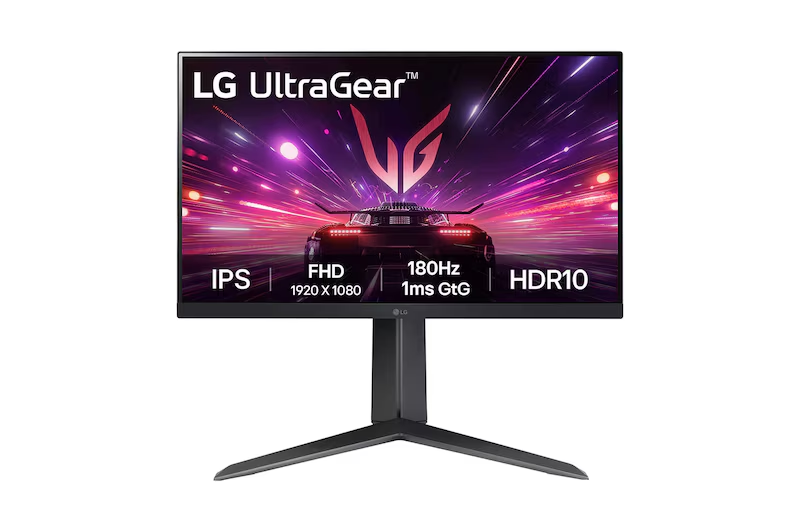
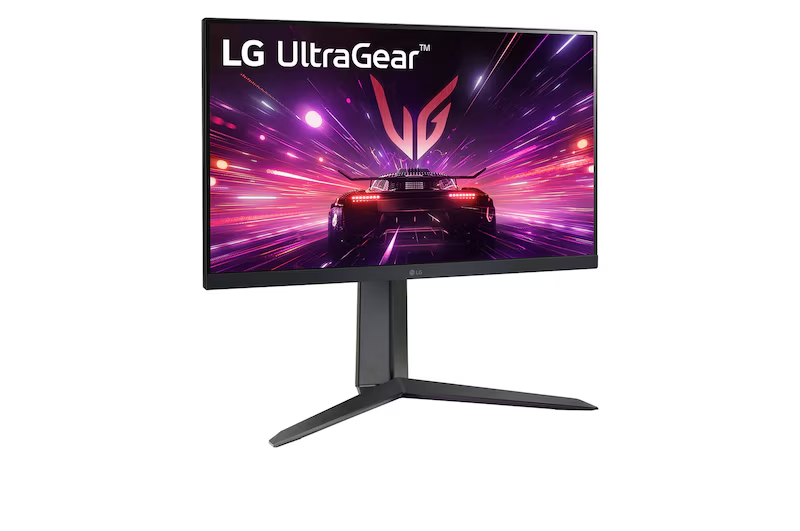
LG 24″ 24GS65F UltraGear Full HD IPS Gaming Monitor, 180Hz Refresh Rate, 1ms Response Time, HDR10, Black
In stock
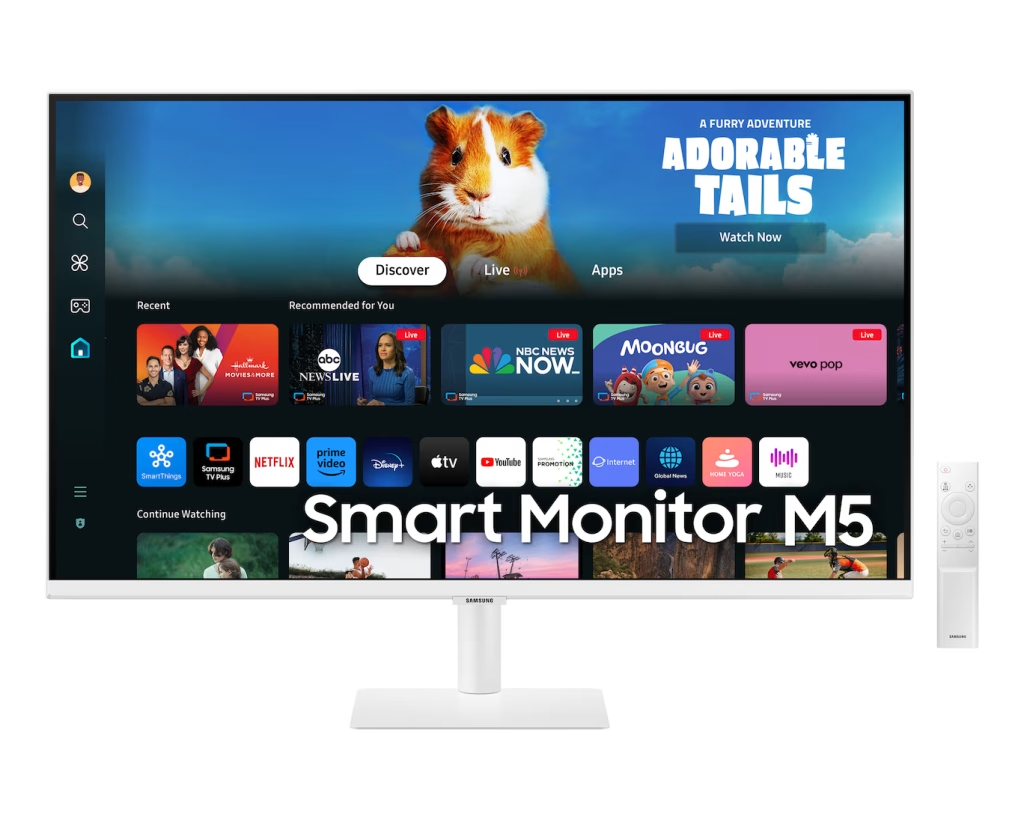
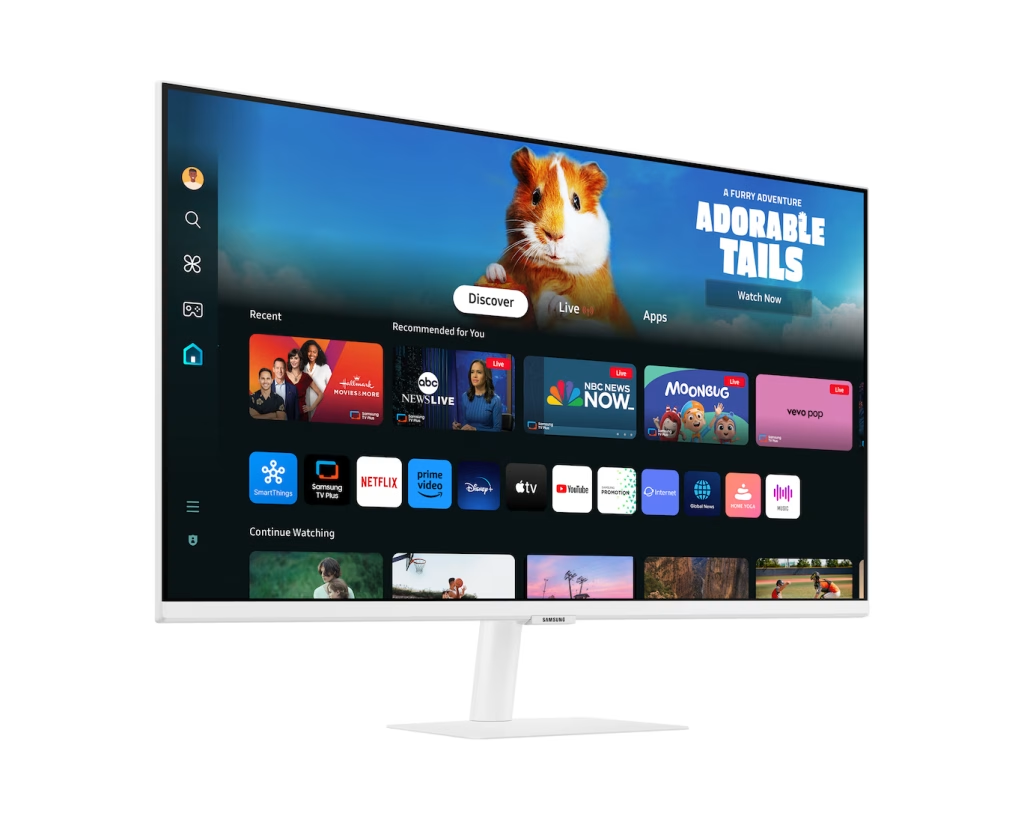
Samsung M5 M50D Smart Monitor, 27″ FHD VA Display, 60Hz Refresh Rate, 4ms Response Time, White
Out of stock
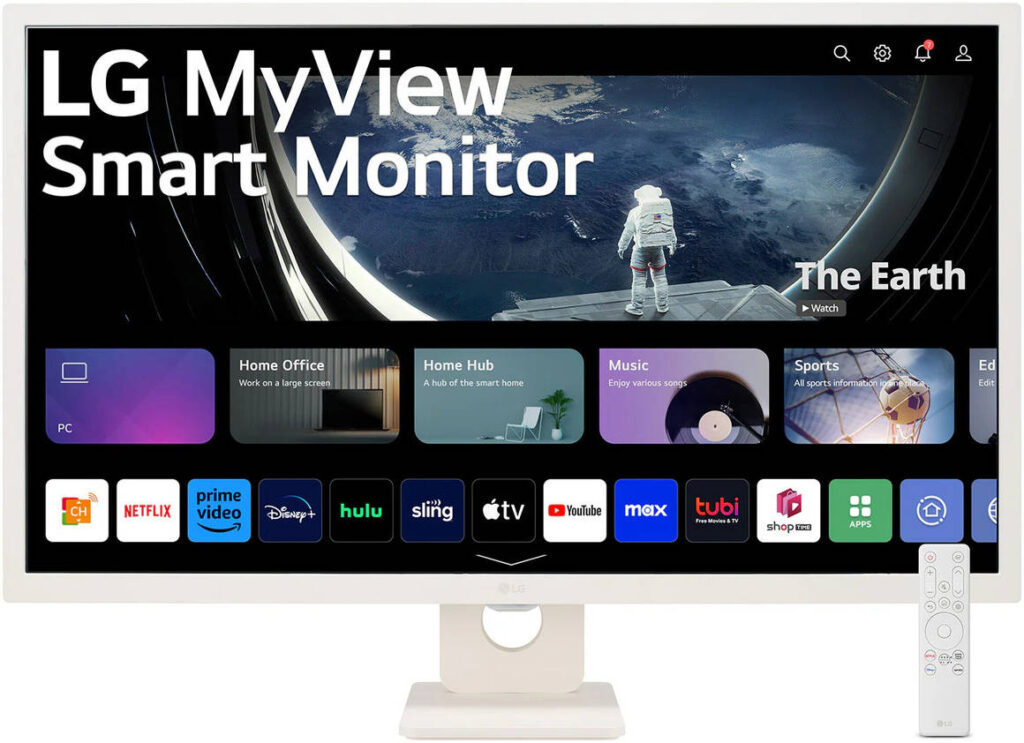
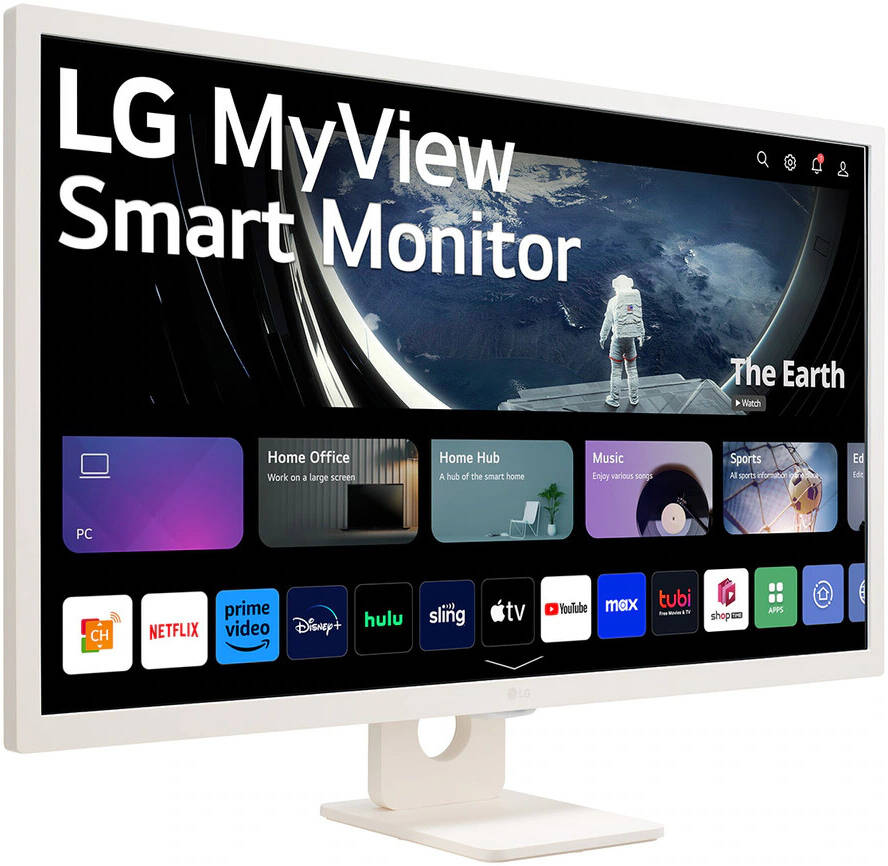
LG MyView 32” 32SR50F Smart Monitor, IPS Panel, FHD Resolution, 60Hz Refresh Rate, 8ms Response Time, WebOS, White
Out of stock
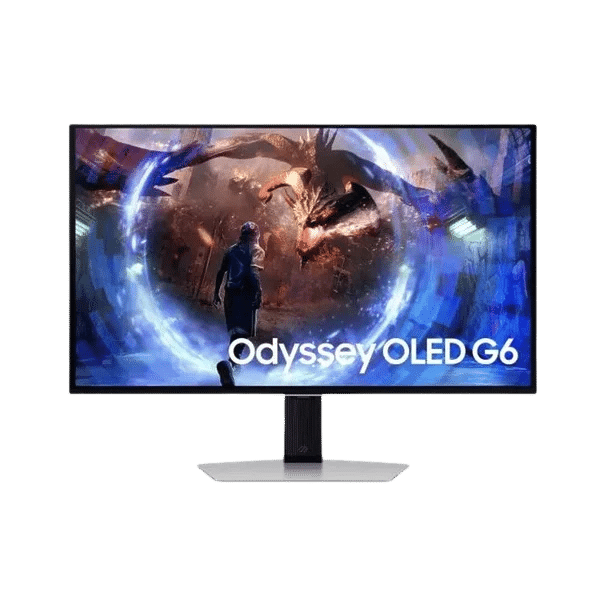
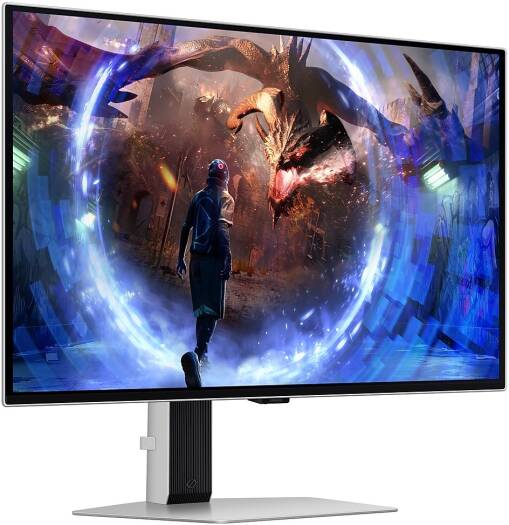
Samsung Odyssey OLED G6 G60SD Gaming Monitor, 27″ QHD OLED Display, 360Hz Refresh Rate, 0.03ms Response Time, Silver, LS27DG602SMXUE
In stock
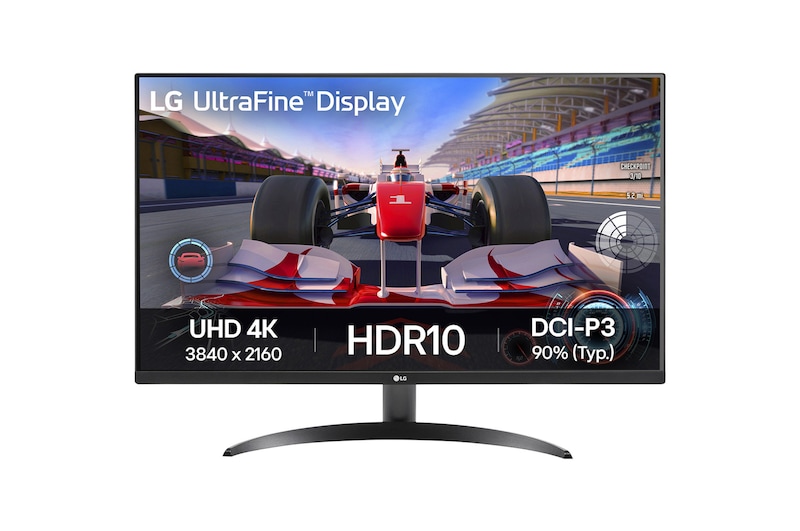
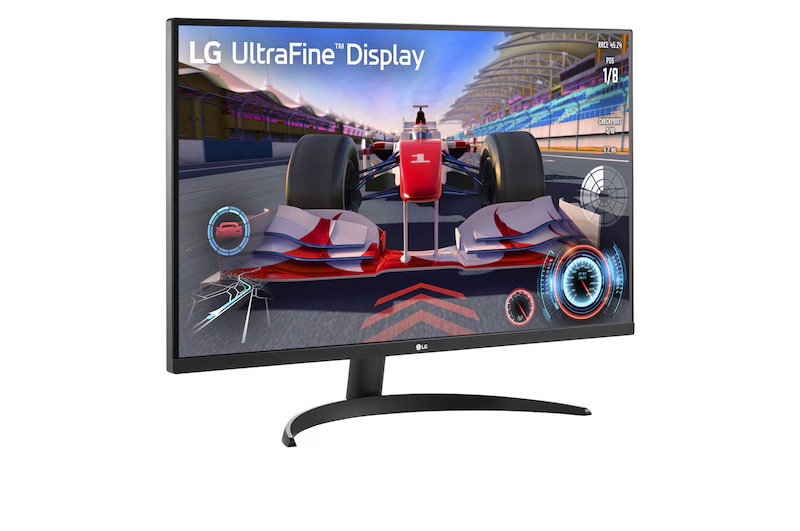
LG 32″ 32UR500K UltraFine 4K Monitor, 60 Hz Refresh Rate, 4ms Response Time, HDR10, Black
In stock
Samsung 32″ Odyssey G5 G55C QHD Curved Gaming Monitor, 1000R Curved Screen, 165Hz Refresh Rate, 1ms Response Time (MPRT), AMD FreeSync, Black
In stock
Reviews
Clear filtersThere are no reviews yet.